
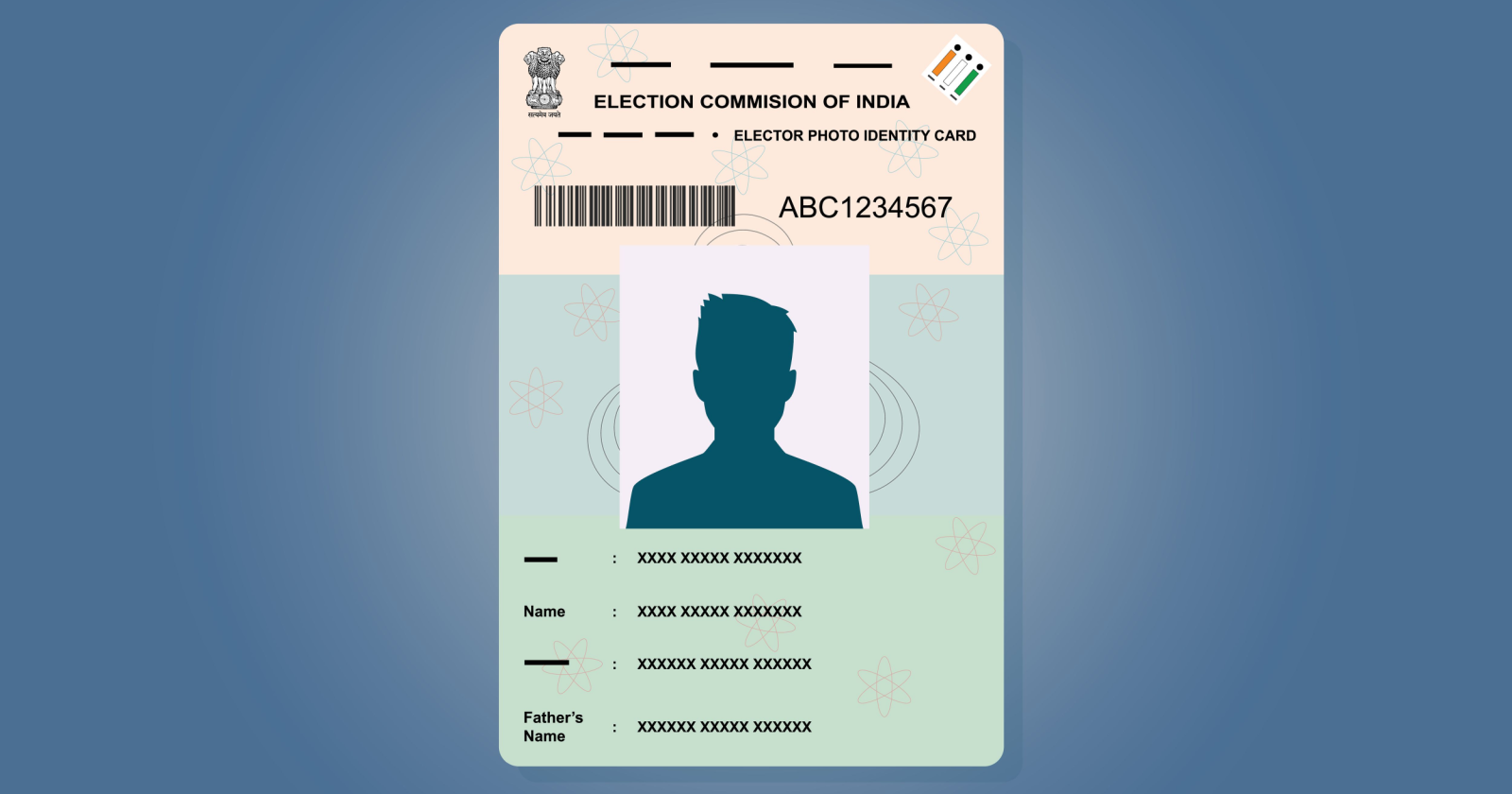
The dates for the 2024 Lok Sabha Elections have been announced. If you're planning to download your e-Voter ID Card, you only need to follow a few simple steps, and your card will be available within minutes.
The election schedule has been declared, with voting taking place in seven phases. Today, we're addressing a common issue faced by voters—how to download a Voter ID Card online. With the digital voter ID, you can easily participate in the voting process without worrying about carrying or losing the physical card.
How to Download Your e-Voter ID Card
- Visit the Voter Service Portal.
- Click on the "Sign Up" option.
- Enter your personal details and complete the registration process.
- Verify your account using the OTP sent to your mobile number.
- You will also see "Form 6", which can be used for new voter registration under the General Electors category.
- Look for the "E-EPIC Download" option.
- Enter your EPIC Number carefully.
- After submitting the details, an OTP verification option will appear.
- Enter the OTP.
- Click "Download E-EPIC".
Your digital Voter ID Card will be downloaded instantly. You can use it during voting and won't have to worry about misplacing the physical card.
Election Schedule (Lok Sabha Elections 2024)
- Phase 1: April 19
- Phase 2: April 26
- Phase 3: May 7
- Phase 4: May 13
- Phase 5: May 20
- Phase 6: May 25
- Phase 7: June 1
- Counting of Votes: June 4
Voters are advised to keep their Voter ID ready in advance. If you do not have one, you can also apply for a new Voter ID card through the online portal.
Source: Navbharat Times